

Yes, you can add additional animations to a Wix website using built-in tools like Wix Editor animations, scroll effects, and hover interactions. For advanced needs, Wix Velo (developer mode), third-party embeds, and Lottie files extend what’s possible — though complex custom animations often require professional web development support.
Animations do more than make a website look polished. They guide attention, improve user experience, and can directly influence whether a visitor stays or bounces. If you’ve been wondering whether you can add additional animations to a Wix website beyond the default options, the short answer is yes — but the depth of what’s achievable depends on your technical approach.
This guide covers everything: from Wix’s native animation tools to developer-level customization, third-party integrations, and when it makes sense to move beyond Wix’s limitations entirely. Whether you’re a small business owner, a freelancer managing your own site, or someone considering a platform upgrade, you’ll leave with a clear picture of your options.
What Are Wix Animations and Why Do They Matter?
Wix animations are visual effects applied to elements on your website — text, images, buttons, sections — that trigger based on user actions or page behavior. They serve both aesthetic and functional purposes.
From a user experience standpoint, animations:
- Draw the eye to key calls-to-action
- Create a sense of flow and polish
- Reinforce brand personality
- Reduce cognitive load by guiding users through content
From an SEO and conversion standpoint, well-implemented animations can lower bounce rates and increase time-on-site — both positive signals for search engines. According to a 2023 study by the Nielsen Norman Group, micro-animations improve task completion rates by making interfaces feel more intuitive and responsive.
The key word is “well-implemented.” Animations that are excessive, slow-loading, or poorly timed hurt more than they help.
Can You Add Additional Animations to a Wix Website? (The Direct Answer)
Yes — Wix supports several layers of animation capability:
- Built-in animations via the Wix Editor (no code required)
- Custom interactions and triggers via Wix Velo (JavaScript-based developer mode)
- Third-party animation tools embedded via HTML iFrames
- Lottie animations using lightweight JSON-based files
Each approach has its own level of complexity, flexibility, and limitation. Understanding which method fits your goal is the first step.
Built-In Wix Animation Features
Wix’s built-in animation options are accessible directly in the editor, making them the most beginner-friendly starting point.
Entrance Animations
Entrance animations trigger when an element loads into view. In the Wix Editor, you can apply these to almost any element — images, text boxes, buttons, shapes, and more.
Available entrance animation styles include:
- Fade in
- Fly in (from left, right, top, or bottom)
- Zoom in
- Bounce
- Spin
These are configured through the element’s settings panel. You can adjust duration and delay, which gives you basic timing control without touching a single line of code.
Best use case: Highlighting key headline text or a hero image on landing pages.
Scroll Effects
Scroll effects respond to how far down the page a user has scrolled. Wix offers a set of scroll-based animation options including:
- Parallax: Background moves at a different speed than foreground content
- Reveal: Elements appear as the user scrolls into a section
- Zoom: Elements scale up or down as users scroll
- Fade: Elements transition in or out based on scroll position
These create a more dynamic, layered browsing experience without any coding knowledge.
Best use case: Full-width image sections, hero areas, and portfolio showcases.
Hover Effects
Hover effects activate when a user’s cursor moves over an element. Wix supports hover effects on buttons, images, and other interactive components.
Common hover interactions include:
- Color changes
- Scale/zoom effects
- Shadow additions
- Opacity shifts
For product-focused pages, hover effects on images or buttons can significantly improve click-through rates by making the interface feel responsive and alive.
How to Add Additional Animations to Your Wix Website
Moving beyond the built-in tools requires a bit more effort, but the payoff is significantly more creative control.
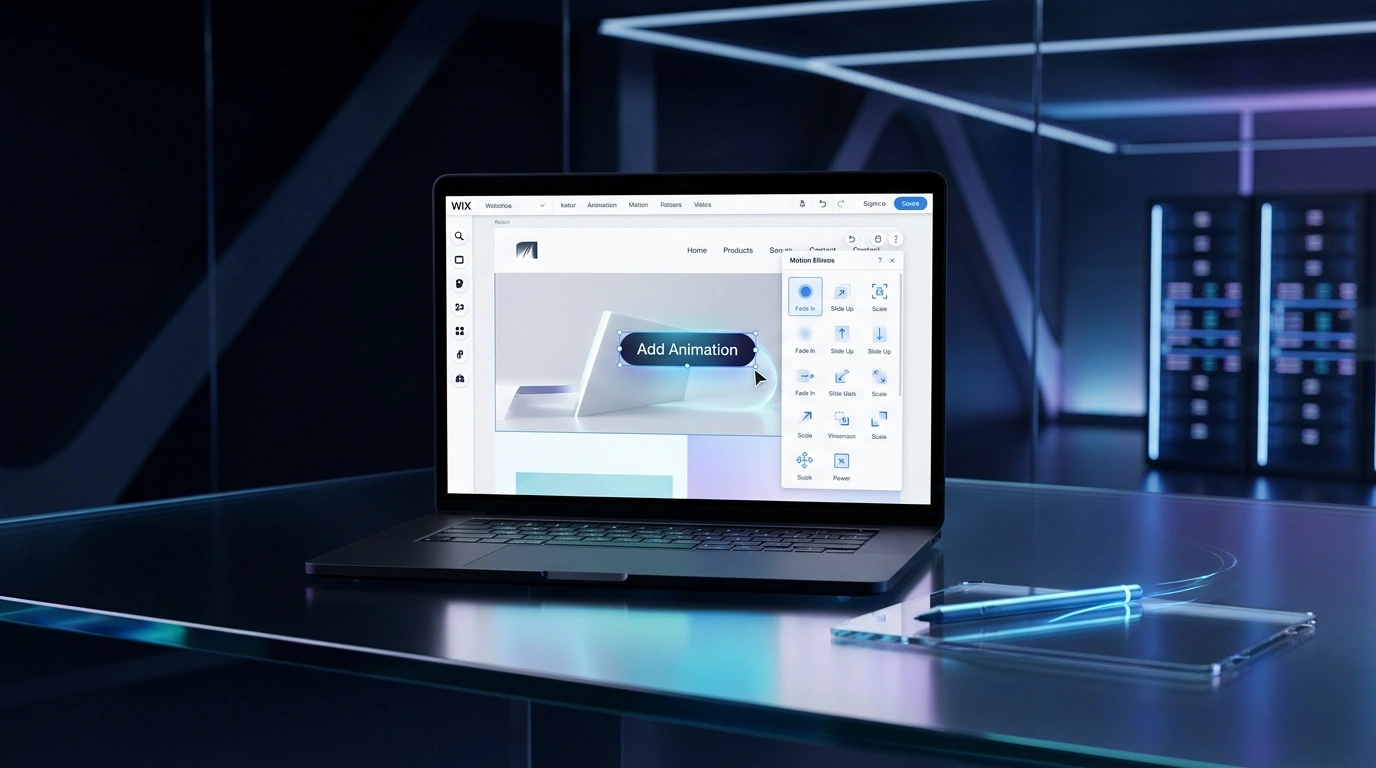
Using Wix Editor Animations
Start here if you haven’t already explored the full range of Editor animations:
- Click on any element in your Wix Editor
- Select “Animation” from the element’s toolbar
- Choose an animation style and preview it in real time
- Adjust timing, delay, and direction as needed
The process is straightforward, and Wix previews animations before you publish — a useful quality-control step.
Using Wix Velo (Developer Mode)
Wix Velo is Wix’s built-in development platform, formerly known as Corvid. It allows you to write JavaScript to control element behavior, trigger animations based on user interactions, and build complex page logic.
With Velo, you can:
- Trigger animations when a user clicks a button, submits a form, or scrolls to a specific point
- Chain multiple animations in sequence
- Control animation timing with precision
- Connect animations to your Wix database for dynamic content
Here’s a simple example of a Velo animation trigger:
$w.onReady(function () {
  $w("#myButton").onClick(() => {
    $w("#myImage").show("zoom", { duration: 500 });
  });
});
Wix Velo is powerful, but it does require JavaScript knowledge. If coding isn’t your strength, this is where working with a professional web design and development team becomes worthwhile.
Embedding Third-Party Animation Tools
Wix supports HTML iFrame embeds, which opens the door to external animation tools and libraries. Popular options include:
| Tool | Best For | Complexity |
|---|---|---|
| GSAP (GreenSock) | Complex timeline animations | High |
| Animate.css | CSS-based entrance animations | Low |
| ScrollMagic | Scroll-triggered animations | Medium |
| Three.js | 3D animations and WebGL scenes | Very High |
These tools are embedded by adding an HTML element to your Wix page and writing the necessary code inside it. The limitation is that embedded elements exist within an iFrame sandbox, which means they can’t interact with other Wix elements natively.
Using Lottie Animations on Wix
Lottie is a JSON-based animation format developed by Airbnb. Lottie files are lightweight, scalable, and render beautifully on all screen sizes — making them a strong choice for adding professional-grade animations to a Wix site.
You can add Lottie animations to Wix by:
- Downloading a Lottie file from LottieFiles.com
- Embedding it using an HTML iFrame element in your Wix Editor
- Using a third-party Wix app from the Wix App Market that supports Lottie (several exist as of 2026)
Lottie animations are especially popular for loading screens, icon animations, and subtle UI micro-interactions. A motion graphics and animation specialist can create custom Lottie files tailored to your brand, rather than relying on generic library assets.
Wix Animation Limitations You Should Know
Knowing what Wix can’t do is just as important as knowing what it can. Here are the main limitations:
- Limited animation triggers: Wix’s native tools don’t support click, hover, or scroll triggers for most animations without Velo
- iFrame sandbox restrictions: Third-party tools embedded via iFrame can’t directly interact with Wix elements
- Performance trade-offs: Heavy animations can slow page load speeds, and Wix gives you limited control over how assets are loaded and optimized
- Mobile inconsistencies: Some animations behave differently (or are disabled) on mobile, requiring separate configuration
- No native SVG animation support: SVG path animations and morphing effects require workarounds
- CSS access is limited: You can add global CSS through Velo, but you can’t fully override Wix’s rendering environment
These aren’t deal-breakers for most standard business websites, but they matter significantly for brands that rely on animation as a core part of their digital identity.
When Wix Animations Are Not Enough
Wix is a capable platform for small to mid-sized websites. But there are scenarios where its animation limitations become real obstacles:
- eCommerce brands that want animated product reveals, cart interactions, or scroll-triggered promotional banners
- Creative agencies and studios that need their website to serve as a portfolio of motion work
- SaaS and tech companies that use interactive animations to demonstrate product features
- Luxury brands where the browsing experience itself is part of the brand value
If your business falls into any of these categories, the constraints of Wix’s closed ecosystem can limit your ability to deliver the experience your audience expects. For businesses at this stage, exploring a custom web design and development solution often delivers a stronger return on investment.
How Custom Web Design Gives You Full Animation Control
Custom-built websites — typically on platforms like WordPress with a headless setup, or entirely bespoke builds — give developers complete control over animation behavior, performance, and integration.
With a custom site, your team can:
- Use the full GSAP library for timeline-based, sequenced animations
- Implement WebGL and Three.js for 3D interactive experiences
- Build scroll-triggered storytelling sequences like those seen on Apple’s product pages
- Optimize animation performance at the code level for fast load times
- Ensure consistent behavior across all devices and screen sizes
The difference in the user experience between a heavily customized Wix site and a professionally built custom site is often significant — particularly for animation-heavy designs.
A skilled UI/UX design team works alongside developers to ensure animations aren’t just visually impressive but also strategically placed to guide users toward conversion.
Real Business Use Cases: Animations That Drive Results
Here are practical examples of how businesses use animations to achieve measurable outcomes:
1. SaaS Onboarding Flows
Animated tooltips and step-by-step micro-interactions guide new users through software features, reducing support tickets and improving product adoption rates.
2. eCommerce Product Pages
Scroll-triggered zoom animations on product images increase engagement time. According to Shopify’s 2023 data, stores with interactive product visuals see up to 40% higher add-to-cart rates. A professional Shopify and eCommerce development team can implement these effectively without compromising page speed.
3. Agency and Portfolio Websites
Entrance animations and parallax effects make portfolio pieces feel dynamic, increasing the perceived quality of the work being presented.
4. Landing Pages for Campaigns
Animated countdown timers, progress bars, and hover effects on CTAs can lift conversion rates on paid landing pages — an area where digital marketing strategy and web design intersect closely.
How Softlogics LLC Helps Businesses Go Beyond Wix Limitations
Softlogics LLC is a full-service digital agency that helps businesses build high-performance websites with the animation capabilities that platforms like Wix simply can’t deliver natively.
The team offers end-to-end services across:
- Web Design and Development: Custom-built websites designed for performance, flexibility, and visual impact
- UI/UX Design: User-centered design that ensures animations serve a purpose, not just aesthetics
- Motion Graphics and Animation: Custom Lottie files, animated banners, and scroll-triggered storytelling sequences
- Website Maintenance: Ongoing support to keep your animations and site performance optimized over time
- Digital Marketing: Ensuring your beautifully animated site also ranks and converts
Businesses that have worked with Softlogics LLC often come from platforms like Wix or Squarespace with a specific frustration: the platform has taken them as far as it can, but the brand’s ambitions require more. That’s exactly the gap Softlogics LLC is built to close.
If you’re ready to explore what’s possible beyond your current setup, get a free consultation with the Softlogics LLC team.
The Right Animation Approach for Your Business
Wix offers a genuinely solid foundation for animations — good enough for most small business websites, blogs, and service pages. If you’re working within the platform, start with built-in entrance and scroll animations, experiment with Velo for trigger-based interactions, and consider Lottie files for premium micro-animations.
But if your brand relies on animation as a storytelling or conversion tool, the platform’s ceiling will become apparent quickly. Custom web development offers full creative freedom, better performance control, and the ability to build experiences that stand out in competitive markets.
The question isn’t just “can you add additional animations to a Wix website?” — it’s whether those animations can do everything your business needs them to. If the answer is no, work with Softlogics LLC to build something without limits.
Frequently Asked Questions
Can you add additional animations to a Wix website without coding?
Yes. Wix’s built-in editor includes entrance animations, scroll effects, and hover effects that require no coding knowledge. For more advanced animation control, Wix Velo (developer mode) requires JavaScript, and embedding third-party tools requires basic HTML knowledge.
What is Wix Velo and how does it help with animations?
Wix Velo is Wix’s built-in development platform that lets you write JavaScript to control your site’s behavior. With Velo, you can trigger animations based on user interactions like clicks, scrolls, or form submissions — going well beyond what the visual editor offers.
Can I use GSAP or other animation libraries on a Wix website?
You can embed GSAP and similar libraries using Wix’s HTML iFrame element. However, iFrame-embedded animations run in a sandbox and cannot directly interact with native Wix elements, which limits how deeply they can integrate with your site’s layout and content.
Are Lottie animations supported on Wix?
Yes. Lottie animations can be added to Wix websites using HTML embeds or third-party Wix apps from the App Market. Lottie files are lightweight and scalable, making them a practical choice for adding professional micro-animations without impacting page speed significantly.
Do Wix animations affect SEO or page speed?
Heavy or poorly optimized animations can slow down your page load time, which negatively affects both user experience and SEO rankings. Wix gives you limited control over how animations are loaded and rendered, so it’s important to keep effects lightweight and purposeful.
When should I consider moving from Wix to a custom-built website for better animations?
If your business needs complex scroll-triggered storytelling, interactive 3D elements, WebGL experiences, or animations deeply integrated with your content and eCommerce functionality, a custom-built website will give you the control and performance that Wix cannot. This is especially relevant for creative agencies, luxury brands, and SaaS companies.
Can Softlogics LLC build a custom animated website to replace my Wix site?
Yes. Softlogics LLC specializes in custom web design and development, including motion graphics, scroll animations, and interactive UI design. The team can migrate your existing content and build a site that delivers the animated experience your brand needs. Contact the team to discuss your project.